
How to Make a Rap Song With AI: Lyrics to Track
Make a rap song with AI in four steps: write the lyrics, shape the hook and verses, add AI vocals on a beat and download the track, then share it.
A few years ago, making a rap song meant a beat, a mic, a quiet room and a lot of takes. Today you can go from an idea to a finished track with AI vocals in a few minutes. The AI does the recording. The part that still decides whether the song is any good is the part this guide spends the most time on: the lyrics.
The four parts of an AI rap song
Every AI rap song, whatever tool makes it, comes down to the same four pieces:
- The idea: what the song is about and who it is for.
- The lyrics: verses and a hook, written to a rhythm.
- The sound: a beat in a style (trap, boom bap, drill…) and a voice.
- The output: an audio file you can play, share or put under a video.
Some tools ask for a one-line prompt and invent everything at once. That is fast, but you don't control the words. Writing the lyrics first, then turning them into a song, takes a minute longer and gives you a song that actually says what you meant.
Step 1: Start with a specific idea
"A song about my friend" gives you generic bars. "A song for Maya's 30th: she quit her job to open a bakery, burns every first batch and still wakes up at 4 a.m." gives you lines nobody else could have written.
Good AI rap lyrics come from specific details:
- Names of people and places.
- One or two real moments: how you met, the time something went wrong, an inside joke.
- The feeling you want at the end: hyped, proud, laughing, a little sad.
Write these down in a sentence or two. That is your topic.
Step 2: Pick a style and a mood
Rap styles are not just labels. They change how long the lines are, how dense the rhymes get and how the hook is built:
- Trap: short punchy lines, a repeated hook, lots of ad-libs.
- Drill: darker, sliding flow, tight internal rhymes.
- Boom bap: longer lines, storytelling, classic 90s feel.
- Old school: simple end rhymes, call-and-response energy.
- Freestyle: loose and conversational, like it's off the top.
- Conscious: message first, more reflective.
- Melodic: half-sung lines, a hook built to be hummed.
- Lo-fi: laid-back and intimate.
The mood (hype, confident, chill, romantic, sad, funny, motivational, dark) sets the word choice on top of that. A funny trap song for a birthday reads very differently from a sad boom-bap song about leaving home.
Step 3: Generate the lyrics, then edit them
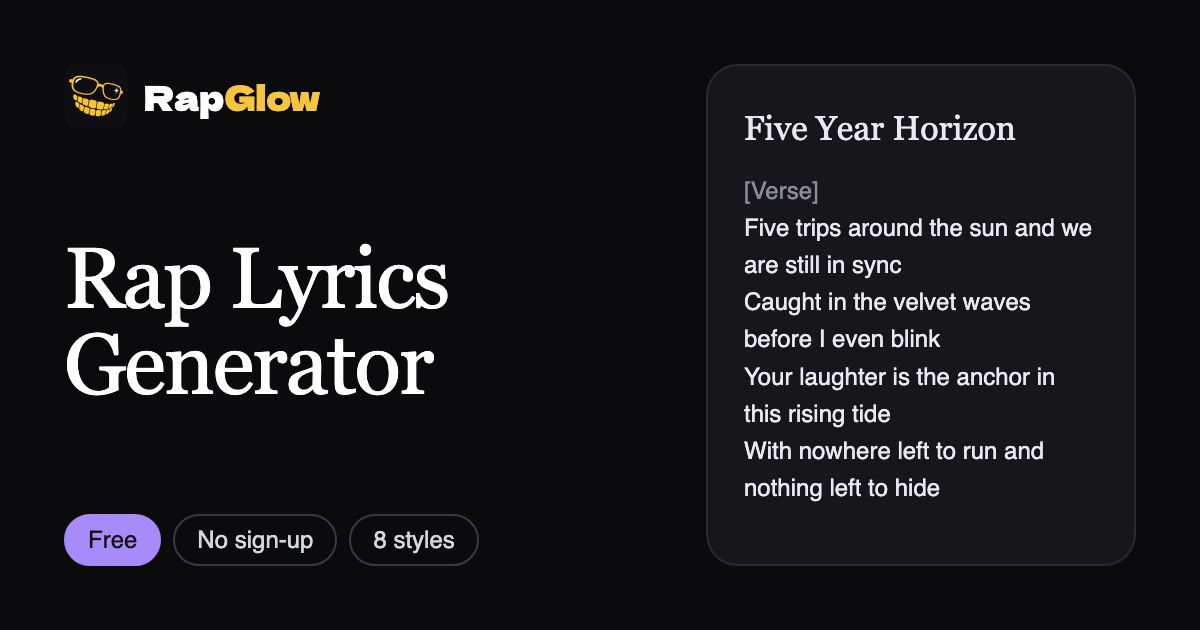
With the rap lyrics generator you enter the topic, pick a style, a mood and a length (8 bars, 16 bars or a full song with verses and a hook), and get lyrics in a few seconds. It's free and needs no account, up to two sets of lyrics a day.
Then edit. This is where a generated draft becomes your song:
- Swap any line that sounds generic for one of your real details.
- Read it out loud. If you trip over a line, the AI voice will too. Cut extra syllables.
- Make the hook short and repeatable. Two to four lines that land on the same idea every time.
- Keep the strongest line for the end of the verse. That is where listeners pay attention.
A 16-bar verse is about 30 to 40 seconds of rap. A full song with two verses and a hook runs a minute or more.
Step 4: Turn the lyrics into a rap song
Under your lyrics, pick a male or female voice and make the song. The song maker raps your lyrics exactly as you edited them, verses and hook in order, on a beat that matches the style you picked.
Each request makes two different takes for 2 credits, so you can keep the better one, and a song that fails is refunded automatically. You can play both on the page, download them as MP3 and find them again later in My creations.
What you can do with the song
- Share it: a birthday song in the group chat, a hype track for your team, a roast for a friend who can take it.
- Post it on social media as the sound under your own clip.
- Use the lyrics anywhere. We don't claim any rights to lyrics you generate, so you can rap them over your own beat or take them to a studio.
One thing to know: AI-generated audio from the song maker is for personal use and sharing on social media. It isn't licensed for release on streaming services or for commercial use.
Common mistakes
- Lyrics that are too long. A wall of text turns into a rushed song. Cut until every line earns its place.
- No hook. Without a repeated part, a song feels like one long verse.
- Mixing styles in one song. Pick one style per song and let the beat match it.
- Skipping the read-aloud. It's the fastest way to fix flow.
Want to star in the video too?
A rap song is half the post. If you want to be on screen rapping, the AI rap video generator puts you in a full rap scene from one photo, with the beat and verse included. Every scene is on Viral Raps. See How to Make an AI Rap Video From One Photo for the step-by-step.
Quick recap
- Write a one or two sentence topic full of specific details.
- Pick a style and a mood.
- Generate the lyrics in the rap lyrics generator, then edit and read them out loud.
- Make the song: two takes with AI vocals for 2 credits, download as MP3.