
Burning Bridges AI Video: Where She At?
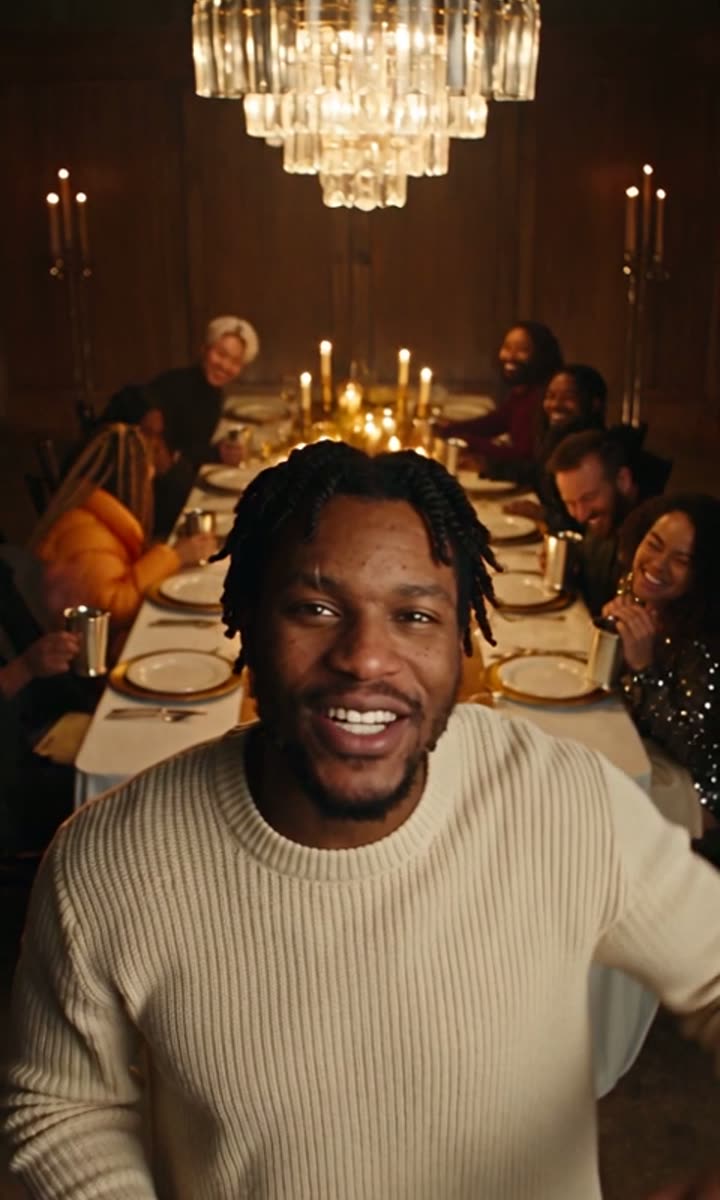
Burning Bridges AI puts you at the head of the party behind the trend: crystal chandeliers, a long table of cheering friends, silver cups raised and the hand-over-the-eyes "where she at?" look. Upload one photo and get a vertical party rap video with an original beat and sound, ready to post.
1 photo · 9:16 MP4 with sound
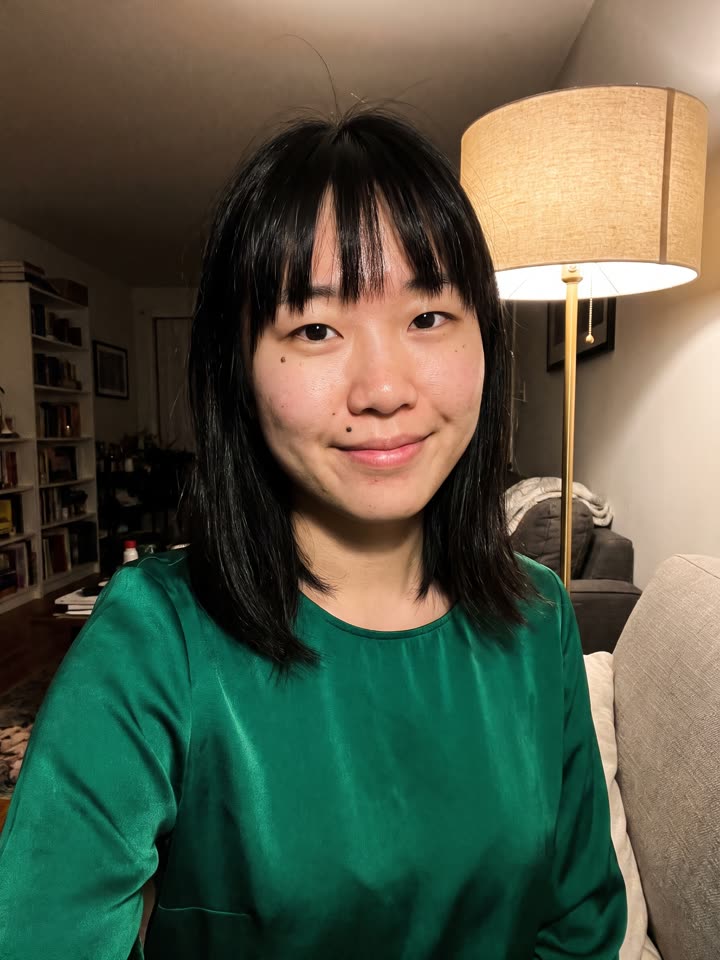
1Your photo
JPG, PNG or WebP, up to 10 MB. One clear face: a person, a pet or a character. No brand logos, no celebrities, no minors.
2Make it
From $9.90 for a 480p video. No watermark, no subscription.
- Vertical 9:16 MP4 for TikTok, Reels and Shorts
- The template's own beat and verse, with a new crowd every time
- Failed renders never cost credits
What is Burning Bridges AI?
Burning Bridges AI is named after "Burning Bridges", a track on Drake's May 2026 album ICEMAN. The party scene in its music video, a crowded private dining room under crystal chandeliers where Drake shades his eyes and looks around the room, became an AI video trend in early October 2026, with people swapping themselves, friends, pets and characters into it. Our template is an original version of that look: an AI host in our own chandelier-lit dining room and a beat made for this site.
That makes it a Burning Bridges AI video generator with nothing to set up: no party, no venue, no editing. Your face, hair and outfit come from your photo; the moves and the toast come from our clip, and the guests around the table are new people every time. Nothing in it is taken from Drake's music video or song, and this site is not affiliated with Drake or his label.
How to make the Burning Bridges AI video
The scene is already loaded. All you bring is the photo.
Step 1
Upload one photo
A clear, front-facing photo of one person with the upper body in frame works best. JPG, PNG or WebP up to 10 MB.
Step 2
Pick 480p or 720p HD
480p is 10 credits, 720p HD is 25 credits. Credits come in one-time packs from $9.90 and never expire.
Step 3
Download and post
In 2 to 4 minutes your vertical MP4 is ready, with the clip's own beat lined up to your moves. We email you when it's done.
The scene you know. A new face in the lead.
How Burning Bridges AI handles the performer, everything around them and the template's own sound.
Your look, the template's moves
Burning Bridges AI makes the person in your photo the lead performer. Your face, hair, skin tone and the clothes you are wearing in the picture carry over; the gestures, head turns, steps and mouth movements follow the template's clip, frame by frame. You never have to film yourself or learn the routine. The clearer the photo, the closer the match: one person, facing the camera, upper body in frame, nothing covering the face. A busy background or a group shot makes it harder for the model to tell who should take the lead, so crop down to one person first. Results vary from photo to photo, and the examples on this page show what a typical render looks like, not a guaranteed outcome.
A new crowd around you, every time
Half of what makes Burning Bridges AI work is the people around the performer. The render keeps the room, the light, the camera moves and where everyone stands, but the onlookers get new faces, picked at random for each video. Make two videos from the same photo and you get two different crowds. You only upload your own photo; the crowd costs nothing extra. Generated people can still blur or shift for a frame when someone passes close to the camera or hands overlap, so watch the whole clip before you share it.
The template's own beat, lined up
The model renders the picture without sound, and we lay the clip's own audio back on before the video reaches you. The beat and the verse land where they do in the template clip, so the moves still hit on time and you never have to sync anything in an editor. The audio is the template's, not a recording of your voice. Play the finished video once with sound on before you post it.
From one photo to a finished video
Burning Bridges AI keeps the choices to a minimum: the scene is set, you bring the face.
Nothing to film
The movement comes from the template clip. Your photo only supplies the look, so you get the performance without recording a take, matching a camera angle or editing shots together.
No prompt to write
The scene, the instructions and the sound are built in. The one choice left is the resolution: 480p for 10 credits or 720p HD for 25.
Every video in one place
Finished videos land in My creations, ready to download again whenever you want. Each new render is a separate request with its own credit charge, so check the last one before you start another.
Burning Bridges AI features
What goes in, what stays fixed and what you get back.
One photo, one performer
Your photo controls the lead role and nothing else. The onlookers are never taken from your upload; they get new, randomly picked faces.
A ready-made scene
The source clip, its timing and its sound are already loaded. This page makes exactly this scene; pick another template for a different one.
480p or 720p HD
Every video is vertical 9:16 with sound. 480p takes 10 credits; 720p HD takes 25 and is sharper on big screens.
A result you can check
Look at the face, the outfit, the hands and the crowd before you download. Label it as AI-made where the platform asks you to.
More rap templates
Same photo, different clip. New templates every week.
Bulin 47 AI
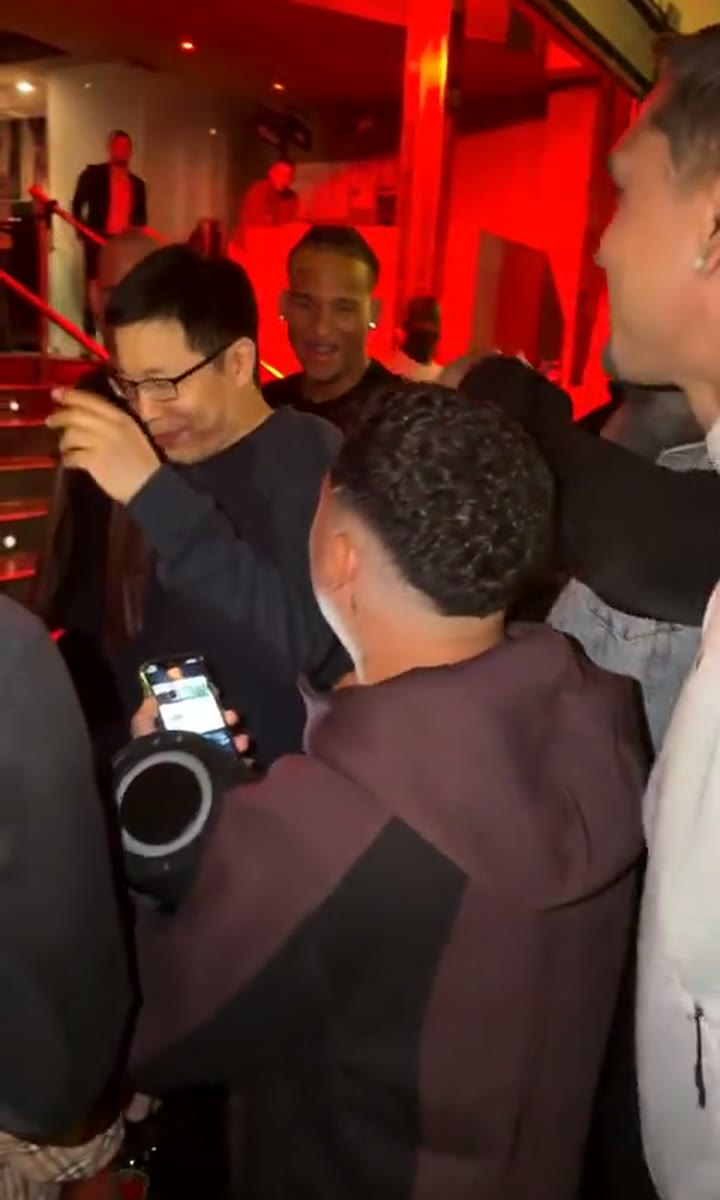
A red-lit lobby, a dembow beat, a crowd losing it on the stairs. Upload one photo and you're the one freestyling.
Rap Cypher
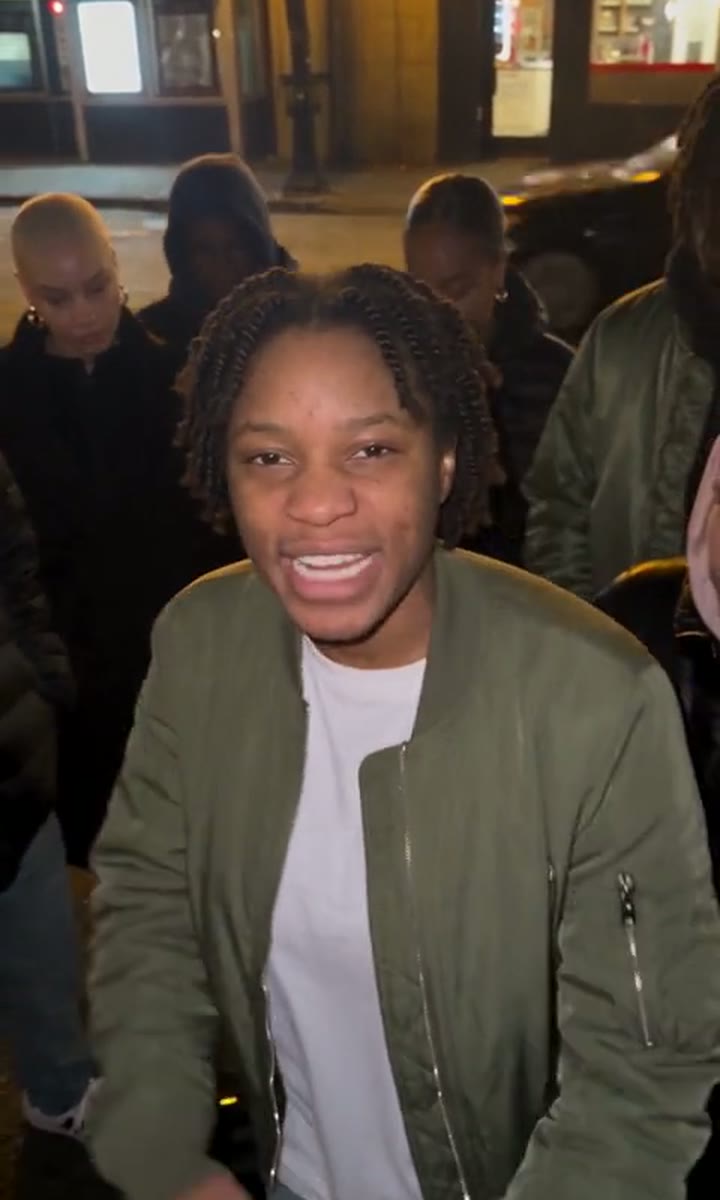
A rap cypher on a street corner at dusk, the crew around you. Upload one photo and take your turn in the middle.
Gym Hype Rap
A rap verse between the dumbbell racks, the crew hyping you up behind. Upload one photo and you're the one rapping.
Hotel Lobby AI
The Hotel Lobby rap duo look: two rappers, one hanging mic, a bright orange studio. Upload two photos, you and a friend.
Choose your Burning Bridges AI video pack
Pay once for 1, 3 or 5 videos at 480p. No subscription, nothing renews. The credits work on every template; a 720p HD video uses 25.
One-time pack
1 video
$9.90
$9.90 per video · 480p
480p only: 720p HD needs 25 credits
- Your photo in Burning Bridges AI or any other template
- Pay once. No recurring charges.
- Download without a watermark
- Credits never expire
- Credits returned if a render fails
10 credits
One-time pack
3 videos
$19.90Save 33%
$6.63 per video · 480p
Or 1 video in 720p HD
- Your photo in Burning Bridges AI or any other template
- Pay once. No recurring charges.
- Download without a watermark
- Credits never expire
- Credits returned if a render fails
30 credits
One-time pack
5 videos
$29.90Save 40%
$5.98 per video · 480p
Or 2 videos in 720p HD
- Your photo in Burning Bridges AI or any other template
- Pay once. No recurring charges.
- Download without a watermark
- Credits never expire
- Credits returned if a render fails
50 credits
Unused packs can be refunded within 14 days. See the Refund Policy and Terms of Service.
All prices are in US dollars (USD). Payments are processed securely by Stripe, a PCI DSS Level 1 certified provider; we never see or store your card number.
Burning Bridges AI questions
What your photo changes, and what to expect from the finished clip.
What is the Burning Bridges AI trend?
An AI video trend that took off in early October 2026, built on the party scene in the music video for Drake's "Burning Bridges" (from ICEMAN, May 2026). People swap themselves, friends, pets or characters like Tony Soprano and Shrek into the host's spot under the crystal chandeliers.
What does "where she at?" mean in the trend?
It is the moment in the video where Drake holds a hand over his eyes and scans the room, as if looking for someone. That gesture is the trend's signature, so people also search for it as "Where She At AI". Our host makes the same searching gesture, set to our own beat.
Is this Drake's video or song?
No. Our template uses its own clip, with an AI-generated host and guests in our own chandelier-lit dining room and a beat made for this site. It does not use the music video, the song or Drake's voice or likeness, and this site is not affiliated with Drake, OVO or his label.
Is Burning Bridges AI free?
Watching the examples on this page is free. Making your own video takes credits, because every video is made with a paid AI model: 10 credits at 480p, 25 at 720p HD. Packs start at $9.90, are paid once and never expire.
Who are the people around the table?
New, fictional guests in every video: each person at the table is swapped for a different, randomly picked face, so no two parties look the same. Only the host takes the face from your photo.
Can I post the video?
Yes. Post it on TikTok, Reels or Shorts for personal, non-commercial use, labelled as AI content where the platform asks.
What photo should I upload?
One clear face, well lit and looking at the camera: you, a friend, a pet, a meme or a cartoon character, upper body in frame. JPG, PNG or WebP up to 10 MB. No sunglasses over the eyes, no brand logos, and no celebrities, minors or famous trademarked characters.
How long does a video take?
Usually 2 to 4 minutes. You can leave the page: the video shows up in My creations and we email you when it's ready.
How much does it cost?
A 480p video is 10 credits and a 720p HD video is 25. Credit packs start at $9.90 for 10 credits, are paid once through Stripe, and never expire. There are no subscriptions and no free previews.
What happens to my photo?
It's used only to make your video. Our video provider deletes it within 72 hours and we don't keep a copy. Your finished videos stay in your account until you delete them. We never use photos or videos to train AI.
Step into the scene.
Pick the photo that makes Burning Bridges AI yours. The generator is waiting at the top of this page.
Make my Burning Bridges AI video