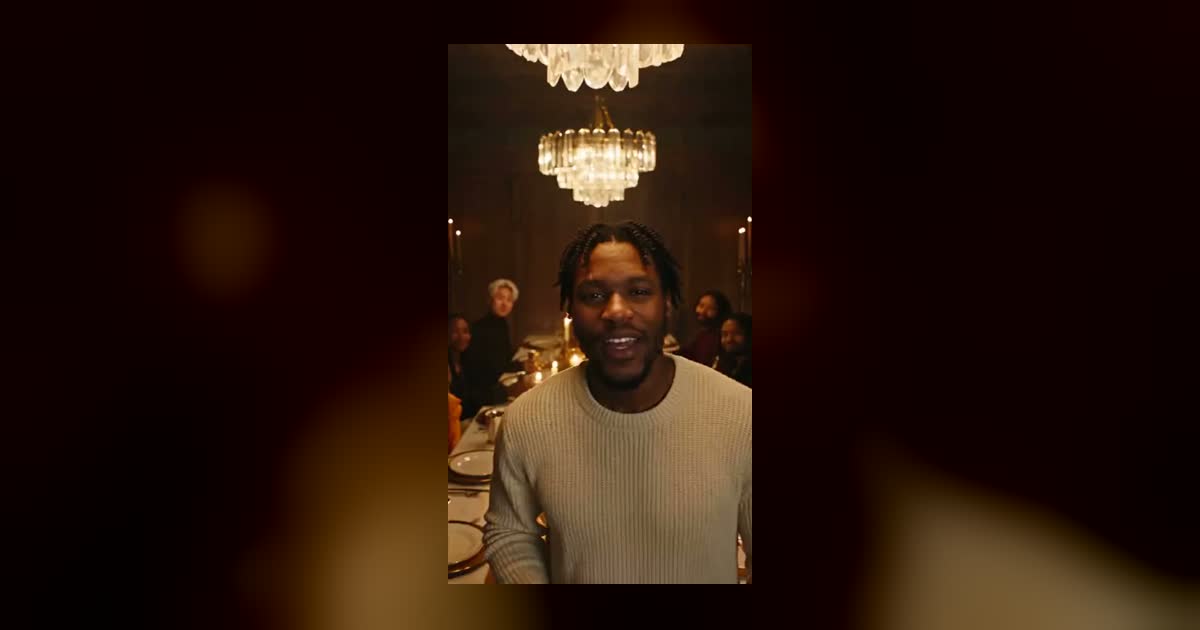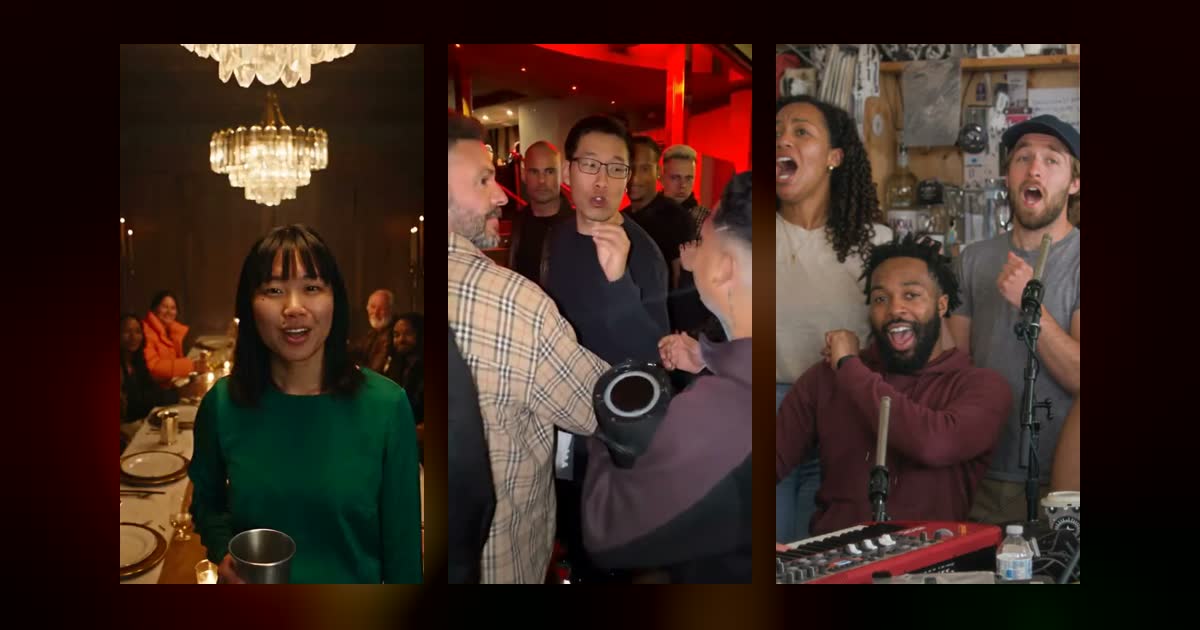
How to Do the Burning Bridges Trend With AI
How to do the Burning Bridges trend from one photo, with motion control or a prompt. What each route needs, a copyable prompt and the photo tips that matter.
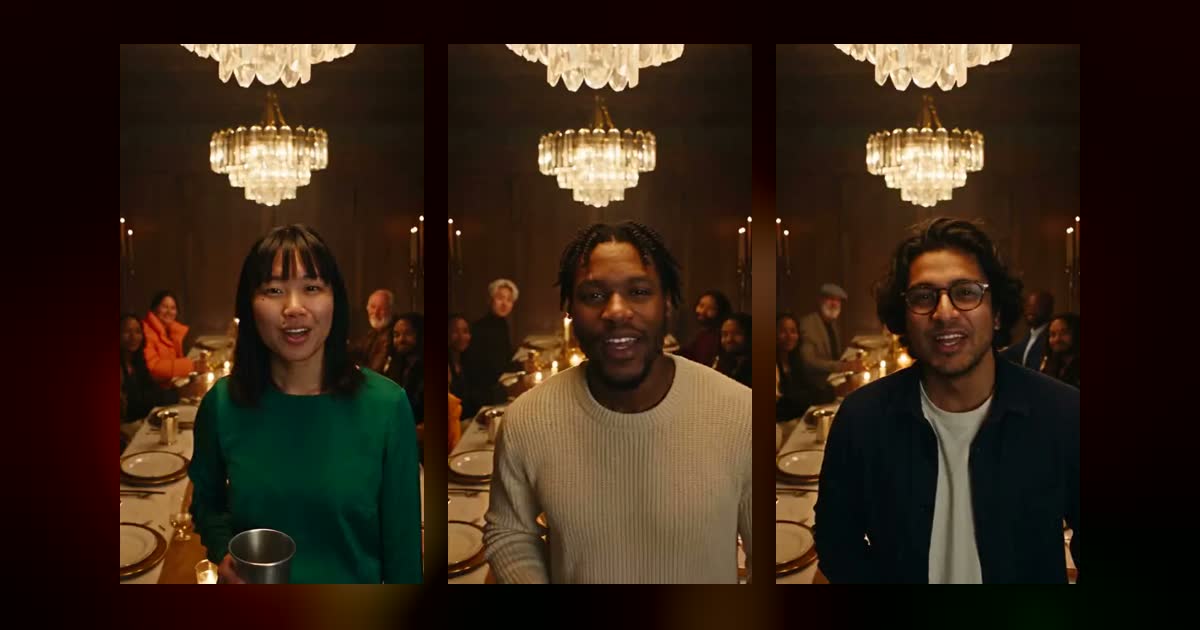
To do the Burning Bridges trend, you need one clear, front-facing photo and a tool that puts you in the chandelier party scene: raise a silver cup, point at the camera, hold a flat hand over your eyes and scan the room, then wave the table into a cheer. There are three ways to make it: a one-photo template, a motion control tool, or a long prompt in an AI video model.
We built this trend as a template, so this guide comes with what we learned doing it. It covers how to do the Burning Bridges trend on each route, what the trend copies, a prompt you can paste, and the photo choices that matter most. If you only want the finished clip, the Burning Bridges AI template makes it from one photo.
What the trend copies
"Burning Bridges" (what the song means) is a Drake song from Iceman, released on May 15, 2026. The trend borrows one stretch of its music video: Drake hosting a crowded private dinner under crystal chandeliers. In early October people began recasting the host with themselves, friends, pets and TV characters, and searches for "burning bridges ai" peaked around October 10.
Nearly every version hits the same beats, in this order:
- The toast. The host walks along the long table toward the camera and lifts a silver cup. The guests lift theirs.
- The point. A finger goes straight at the lens, as if the party is for whoever is watching.
- The look. A flat hand goes above the eyes like a visor, and the host scans the room. This is the "where she at?" moment, and it is the part people recognise.
- The cheer. The host waves the table up and everybody roars.
If your clip has the look and the room, people will read it as the trend. The other beats give it rhythm, but those two carry it.
Three ways to make it
You can make the Burning Bridges trend three ways: a one-photo template is the fastest, motion control copies a specific clip's movement, and a prompt lets you change the most but takes the most tries.
| Route | You bring | Sound | Fiddling | Good for |
|---|---|---|---|---|
| One-photo template | One photo | Comes with the clip | Almost none | Getting a finished video quickly |
| Motion control | One photo and a motion clip | Usually none, add your own | Some | Copying a specific clip's movement |
| Prompt | One photo and a long prompt | Depends on the model | Most | Changing the room, outfit or story |
Route 1: a one-photo template
This is what our Burning Bridges AI template does, and it takes the least effort.
- Upload one clear photo of the person who plays the host, and confirm you have their permission.
- Pick a model and a resolution. The page shows the credits and the expected wait before you start.
- Generate, wait, and download the MP4.
The room, the moves and the beat come from our own clip, and your face, hair and outfit come from your photo. The guests get new, fictional faces in every render, so two videos from the same photo show two different parties.
The cost depends on the model: 15 to 57 credits at 480p, or 30 to 114 at 720p. Mini and Wan 3.0 make 15-second videos, and Seedance 2.5 makes 19 seconds. Seedance 2.5 is the quickest at about 2 to 4 minutes. Wan 3.0 is the slowest, at 5 to 8 minutes for 480p and about 14 for 720p. Every account gets one free 4-second clip of the "where she at?" moment at 480p, to watch on the site; full videos run on a paid model, so they take credits. Credit packs are one-time, see Pricing.
Our clip is an original version of the look, so it doesn't include Drake's song, footage or voice. To use the song, see the posting section below.
Route 2: motion control
Motion control tools take a photo plus a short video and map the movement from the video onto the person in the photo. Many people made this trend with Kling's motion control, which is also available through other apps. Picsart's guide walks through that workflow.
- Get a short motion clip with the host's moves. Filming yourself doing the toast, the point and the look works, and it is the safest choice for rights.
- Upload your photo and the clip.
- Generate, then add the room and sound if the tool doesn't handle them.
We didn't build our template this way, so we can't vouch for results on any one tool. Two things to check before you start: you need the right to use the motion clip, and a music video is not something you can freely re-upload. The room also comes from whatever you set up, so a plain photo in a plain motion clip won't look like the trend. Ask for the chandeliers and the long table in the prompt box if the tool has one.
CapCut's Dreamina site also has a page for this trend, and it works from a photo and a directed prompt. Templates inside the CapCut app change often, so search the app for the trend name and check that the template you find is recent.
Route 3: a prompt
This route takes the most tries, and it is the one that lets you change the most. Upload one photo as a reference image and paste this:
Vertical 9:16 video shot handheld on an iPhone by a guest walking backwards in front of the host, slightly shaky, real phone footage look, natural skin texture, no beauty filter.

Setting: a crowded private dining room at a late-night party. Warm golden light from three big crystal chandeliers, dark wood-panelled walls, one long table with a white tablecloth covered in candles, plates and silver cups. About ten friends stand and sit around the table, laughing and cheering.

The host is the person in reference image 1. Match their face, hair and skin tone in every shot, and keep their outfit from the photo. They walk slowly along the table toward the camera, face clearly lit, eyes open, with confident relaxed energy.

0-4s: the host raises a silver cup to the camera, and the friends behind raise their cups too.
4-8s: the host points at the lens with their free hand and smiles.
8-12s: the host puts a flat hand above their eyes like a visor and looks left and right around the room, as if searching for someone. The friends laugh.
12-16s: the host waves both arms to hype the table, and the friends cheer and raise their cups.
16-19s: the host leans toward the camera, nods to the beat and grins.

Sound: an original moody R&B-tinged hip hop beat at about 76 BPM with warm piano chords, deep 808 bass and crisp hi-hats, plus party chatter and cheers.

The guests are fictional and do not resemble any real celebrity or musician. No logos, no text, no subtitles, no watermark, no brand names on cups, clothes or bottles.
How far you can trust this: we made our template's source clip with a very close version of this prompt, on Seedance 2.5 text-to-video at 19 seconds and 480p. That run used a fictional host instead of a reference photo, and the wording above has not been run exactly as written. Expect to generate a few and to rename "reference image 1" if your tool has its own syntax.
A few changes to try if the first take misses:
- Clip limit shorter than 19 seconds? Cut the last line and squeeze the timings to 15. Keep the look at around 8 to 11 seconds so it lands in the middle of the clip.
- Want more variety at the table? Describe three or four guests by age and outfit instead of leaving the crowd to the model.
- Lost the cup? Say "silver cup" in every line where it appears, since the cup is part of what makes the scene recognisable.
The photo decides most of the result
Your hand passes over your face during the look, and you stay close to the camera for most of the clip. That makes this trend pickier about photos than most.
- Keep your eyes and forehead clear. With hair over the brow and a hand on top of that, little of your face is left to recognise.
- Face the camera. The toast and the point both look straight into the lens, so a front-facing photo matches best.
- Dress for dinner. Your outfit carries over. A blazer, a satin top or a good knit fits the room, while gym clothes look like you wandered in.
- Avoid logos and pocket patches. One of our early test photos had a small label on a shirt pocket, and it stayed visible in the finished video. We threw that take out and regenerated the photo without one.
- Use ordinary, even light. The candle and chandelier glow comes from the scene, so you don't need moody lighting in the photo.
Use photos of yourself, or of adults who said yes. Celebrities, public figures and minors are off limits on most tools, including ours.
Posting it
- Adding Drake's song. Upload the video to TikTok or Instagram, pick the song in the app's sound library and turn the original sound down. The platforms license music for use inside their apps, which doesn't extend to the file on your phone.
- Adding a caption. The format fits anyone who goes missing: the friend who is always late, the coworker who leaves at 4:59, or the dog that vanished at dinner. Our template page has more ideas.
- Labelling it as AI. TikTok asks for a label on realistic AI content and has a toggle for it when you post.
FAQ
What is the Burning Bridges trend?
It's an AI video trend from October 2026 that recasts the party scene from the music video for Drake's "Burning Bridges". People put themselves, friends, pets or characters in the host's place under the crystal chandeliers, and the signature moment is the hand-over-the-eyes "where she at?" look.
How do I do the Burning Bridges trend with one photo?
Use a template built for it, such as Burning Bridges AI. Upload a clear, front-facing photo, choose a model and a resolution, and download the finished video. There is no dance to film and no prompt to write.
Do I have to dance?
No. On a template or with a prompt, the AI handles all the movement. You only need to film yourself if you take the motion control route and want your own motion clip.
Can two people be in the video?
Our template takes one photo, for the host. Everyone else at the table is fictional. To feature a friend as well, make a second video from their photo and post the two as a pair.
Can I use a pet?
Pets were all over this trend, and a dog at the head of the table works well as a joke. All of our own examples use people, so we can't promise the same result with animals. Use a clear, front-facing photo, and expect to try more than once.
Is the original song on the video?
Not on ours. Our clip has its own beat. Other tools vary, so check before you pay. If you want the real song, add it in TikTok or Instagram when you post.
Why doesn't the video look like me?
Usually it's the photo. A turned head, heavy shadow, or hair across the forehead gives the model little to work with, and the visor gesture hides even more. Try a sharper, front-facing photo with your forehead clear. More fixes for a face that comes out wrong are in how to make an AI rap video.