
Zombie AI Video: The Zombie Love Story From Two Photos
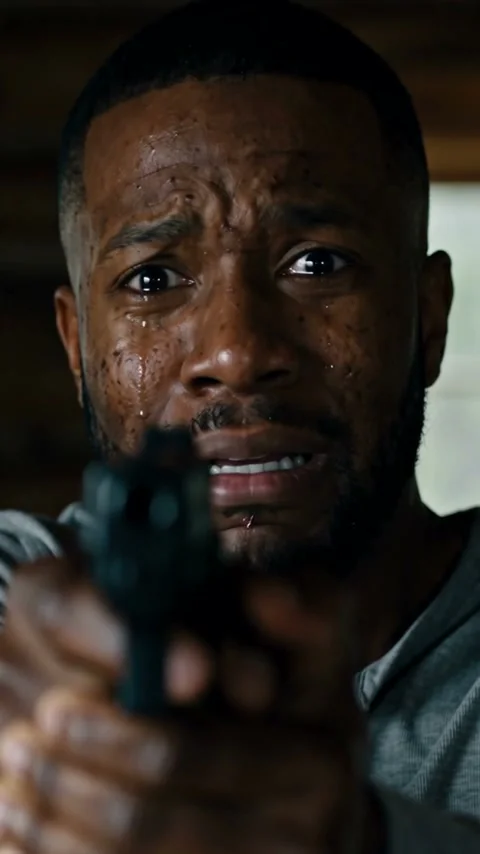
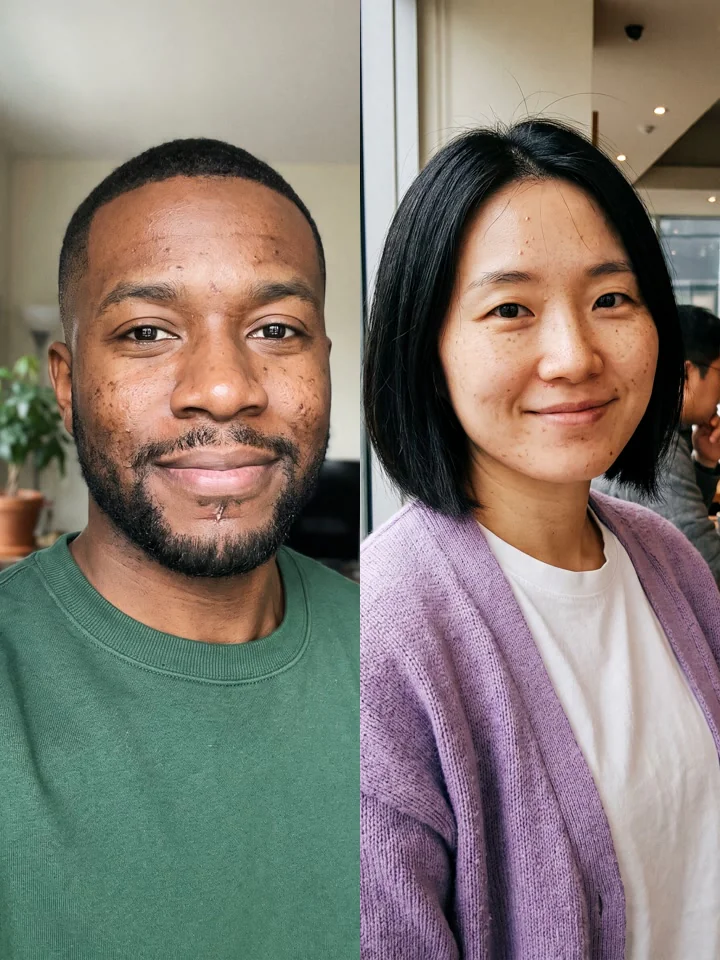
Zombie AI Video puts the two of you into the zombie love story everyone is posting: one of you aims a gun through tears, the other has turned and comes closer, the gun drops, arms open, and mid-leap the cabin cuts to a golden wheat field where you are both alive again.
2 photos · 9:16 MP4 with sound
1Your two photos
JPG, PNG or WebP, up to 10 MB. One clear face: a person, a pet or a character. No brand logos, no celebrities, no minors.
2Make it
From $9.90 for a 480p video. No watermark, no subscription.
- Vertical 9:16 MP4 for TikTok, Reels and Shorts
- Sound made with your video: a growl in the cabin, a piano in the field
- Failed renders never cost credits
What is Zombie AI?
The zombie love story is a short AI film format that spread across TikTok and Instagram Reels in early autumn 2026. Every version tells the same story: someone you love has turned, you can't shoot them, and the last thing you see is your happiest day together. Creators made theirs with AI video models, two reference photos and long shot-by-shot prompts.
This page skips the prompt. The cabin, the make-up, the leap and the wheat-field memory are already written as a 19-second shot list, and every video is generated fresh from your two photos. The first photo holds the gun, the second is the one who turns, and both of you come back for the memory at the end.
How to make the Zombie AI video
The scene is already loaded. All you bring is the photo.
Step 1
Upload two photos
The first photo is the survivor who holds the gun, the second is the one who turns. Clear, front-facing faces, one person per photo.
Step 2
Pick 480p or 720p HD
480p is 10 credits, 720p HD is 25 credits. Credits come in one-time packs from $9.90 and never expire.
Step 3
Download and post
In a few minutes your vertical MP4 is ready, with the cabin sounds and the piano already on it. We email you when it's done.
How the zombie love story trend took off
The format borrows a scene every zombie film has: the moment someone has to shoot a person they love. AI added the twist the trend is known for, a match cut from the cabin to a warm memory, so the attack turns into a hug.
September 2026
Short AI zombie dramas built on that standoff start circulating on Facebook, Instagram and TikTok, often under the title "Choice".
Early October
Tutorials show how to remake it with your own two photos in AI video models, and US searches for "zombie AI" start to climb.
Mid-October
Searches for "zombie AI video" peak as couples, best friends and pet owners post their own versions.
Halloween
The format fits the season: a zombie video that ends in a hug, with no gore, so it works for any feed.
What happens in our clip, second by second
Every video follows the same 19-second shot list: a small wooden cabin in cold daylight, then a wheat field at sunset. Each one is generated fresh, so camera angles and small details change a little from video to video. There is no dialogue, only the sounds of the room and a piano that comes in with the memory.
- 0–4 s: the standoff
- A tearful close-up behind a raised handgun, then the zombie staggering toward you across the cabin floor.
- 4–6 s: the face
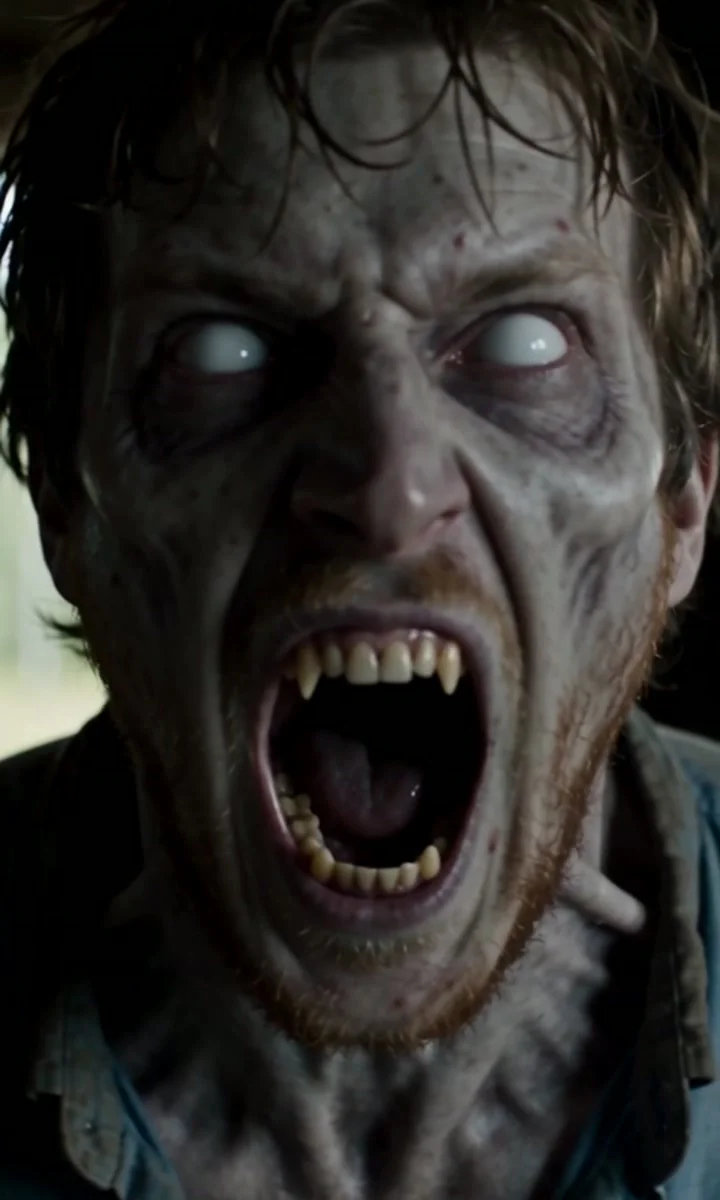
- An extreme close-up of the zombie roaring at the camera: grey skin, cloudy white eyes, dark veins and bared teeth, with your partner's face underneath.
- 6–11 s: the choice
- You lower the gun, let it drop and open your arms with your eyes closed. Seen from the side, the zombie runs at you and lunges for your neck, hands curled like claws.
- 11–19 s: the memory
- Mid-air, the film cuts to a golden wheat field. The same leap lands as a hug, you spin around laughing and end forehead to forehead in the sun.
Picking the two photos
Both faces carry the whole film, from the close-ups in the cabin to the sunset at the end, so each photo needs one clear face.
- One person per photo
- Crop group shots down to one face. With two people in one photo, the model can't tell who is meant to turn.
- Front-facing, eyes open
- Both close-ups look almost straight into the camera. A face turned away leaves the model less to keep under the zombie make-up.
- Your best photo goes second
- The zombie is the hardest face to keep recognisable. Give the second slot your sharpest, best-lit photo.
- Only people who said yes
- Use photos of yourself and of adults who agreed to appear. No celebrities, no children.
Ways to cast it
The story works for anyone you would never shoot. These are the versions people post most.
Couples
The classic: your partner turns and you are the one holding the gun. Swap the photos to switch who survives.
Best friends
The same film with a friendship twist. The hug and the spin in the field read just as well between friends.
Siblings and parents
Cast a brother, a sister or a parent who loves a good scare, and ask them first if they're happy to be the zombie.
More rap templates
Same photo, different clip. New templates every week.
Rumpelstiltskin AI
The Rumpelstiltskin tiptoe, shot for shot: peek from behind the hay, shush, stroke her hair and dance in jester shoes. One photo, or two.
Bulin 47 AI
A red-lit lobby, a dembow beat, a crowd losing it on the stairs. Upload one photo and you're the one freestyling.
Hotel Lobby AI
The Hotel Lobby rap duo look: two rappers, one hanging mic, a bright orange studio. Upload two photos, you and a friend.
Rap Cypher
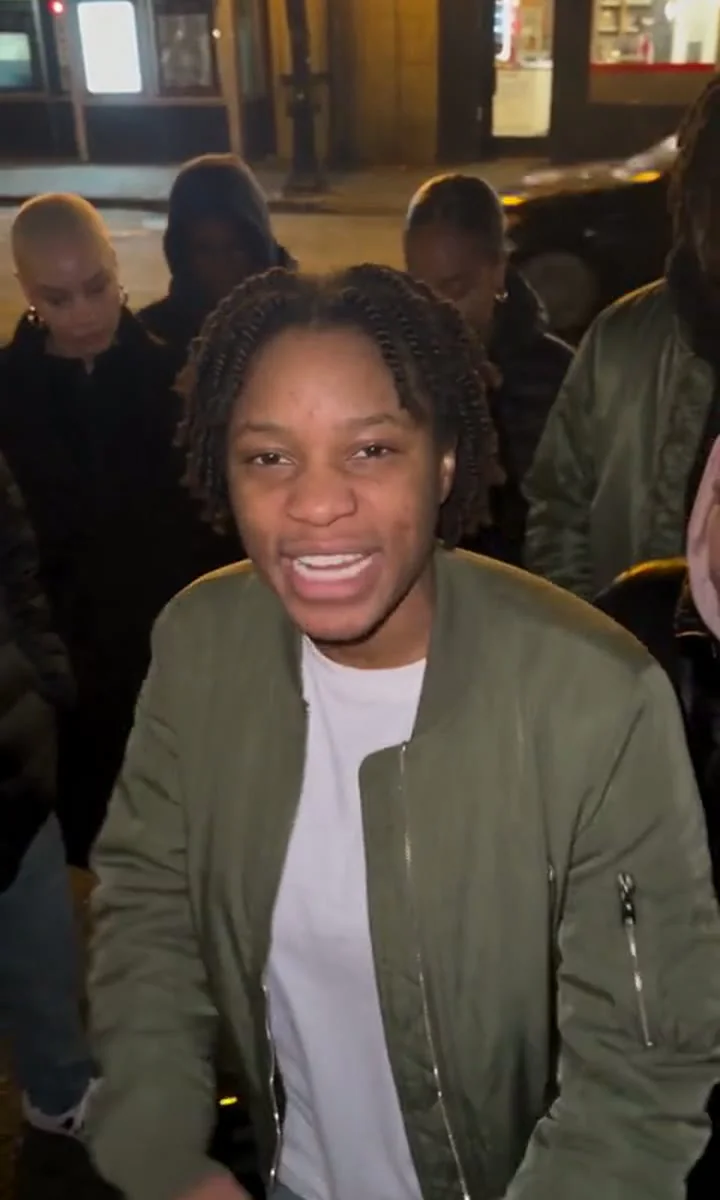
A rap cypher on a street corner at night, the crew around you. Upload one photo and take your turn in the middle.
Gym Hype Rap
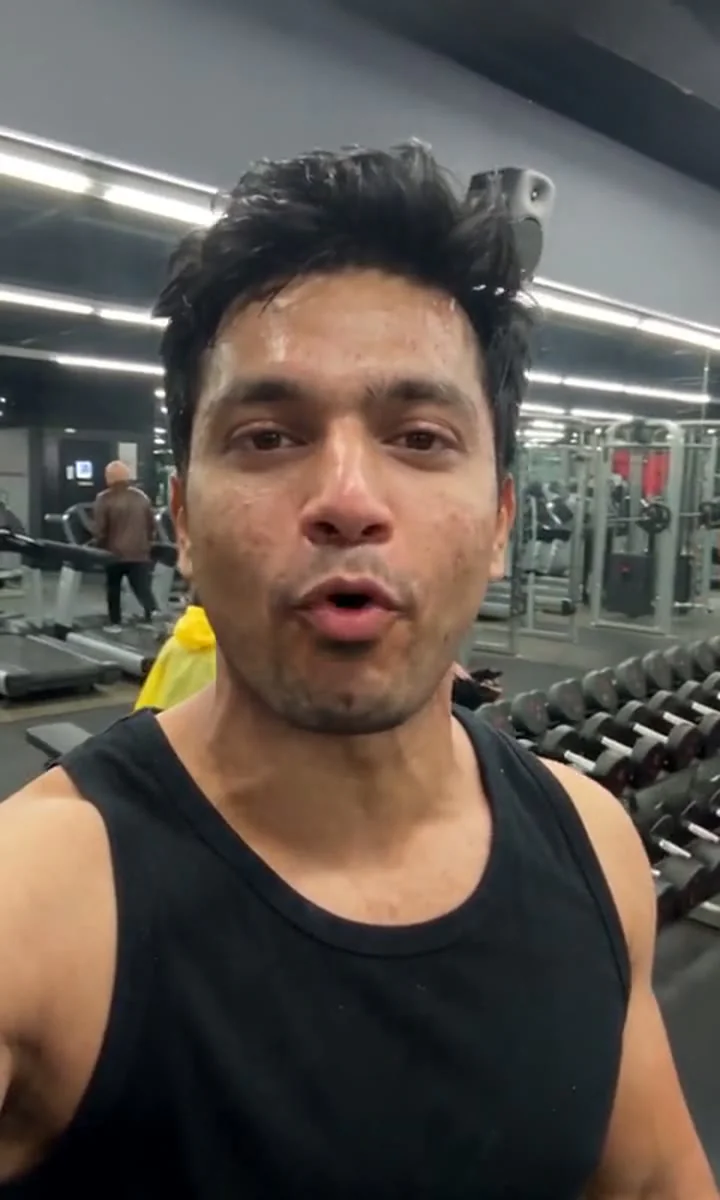
A selfie-style rap verse in the weight room, dumbbell racks behind you. Upload one photo and you're the one rapping.
Burning Bridges AI
The Burning Bridges party look: crystal chandeliers, a long table of friends, silver cups up and the hand-over-the-eyes "where she at?" look. Upload one photo.
Choose your Zombie AI video pack
Pay once for 1, 3 or 5 videos at 480p. No subscription, nothing renews. The credits work on every template; a 720p HD video uses 25.
One-time pack
1 video
$9.90
$9.90 per video · 480p
480p only: 720p HD needs 25 credits
- Your photo in Zombie AI or any other template
- Pay once. No recurring charges.
- Download without a watermark
- Credits never expire
- Credits returned if a render fails
10 credits
One-time pack
3 videos
$19.90Save 33%
$6.63 per video · 480p
Or 1 video in 720p HD
- Your photo in Zombie AI or any other template
- Pay once. No recurring charges.
- Download without a watermark
- Credits never expire
- Credits returned if a render fails
30 credits
One-time pack
5 videos
$29.90Save 40%
$5.98 per video · 480p
Or 2 videos in 720p HD
- Your photo in Zombie AI or any other template
- Pay once. No recurring charges.
- Download without a watermark
- Credits never expire
- Credits returned if a render fails
50 credits
Unused packs can be refunded within 14 days. See the Refund Policy and Terms of Service.
All prices are in US dollars (USD). Payments are processed securely by Stripe, a PCI DSS Level 1 certified provider; we never see or store your card number.
Zombie AI questions
What your photo changes, and what to expect from the finished clip.
What is the zombie AI video trend?
A short AI film where one person faces a loved one who has become a zombie, lowers the gun instead of firing and opens their arms. As the zombie leaps, the film cuts to a sunny memory of the two of them, and the same leap lands as a hug. In the US, searches for "zombie AI" started climbing in the first days of October 2026.
Which photo goes where?
The first photo is the survivor: the one crying behind the gun and catching the leap. The second photo is the one who turns: a zombie in the cabin, alive and smiling in the wheat field. Any pairing works: a couple, two friends, siblings.
Will the zombie still look like my partner?
That's the idea: both faces come from your photos, so the person who turns keeps their own face under the grey skin and white eyes, and the same face comes back in the memory. A sharp, front-facing second photo gives the best likeness.
Is it gory?
No. There is no blood and nobody gets bitten, and the gun is never fired. The zombie roars and lunges for a second, with grey skin, cloudy eyes and dark veins, then the film turns into a warm memory, so it is fine for TikTok and Reels.
What song is used in the zombie AI trend?
Trend clips use all sorts of sad songs and sounds. Your video's sound is made together with the picture: wind, sobs and a low growl in the cabin, then a soft piano swell in the field. To use a trending song, add it from TikTok's or Instagram's sound library when you post.
Is it vertical or widescreen like the trend?
Vertical 9:16 and 19 seconds long, so it fills the phone screen on TikTok, Reels and Shorts instead of sitting between black bars like the widescreen originals.
Can my dog or cat be the zombie?
Not on this template: it is made for two people. A pet version, where your dog turns and you meet again in the field, is in testing.
Can I post it, and should I label it as AI?
Yes, post it for personal, non-commercial use, and label it as AI. Only use photos of yourself and of adults who agreed to be in it: no celebrities and no children.
What photo should I upload?
One clear face, well lit and looking at the camera: you, a friend, a pet, a meme or a cartoon character, upper body in frame. JPG, PNG or WebP up to 10 MB. No sunglasses over the eyes, no brand logos, and no celebrities, minors or famous trademarked characters.
How long does a video take?
Usually 2 to 4 minutes. You can leave the page: the video shows up in My creations and we email you when it's ready.
How much does it cost?
A 480p video is 10 credits and a 720p HD video is 25. Credit packs start at $9.90 for 10 credits, are paid once through Stripe, and never expire. There are no subscriptions and no free previews.
What happens to my photo?
It's used only to make your video. Our video provider deletes it within 72 hours and we don't keep a copy. Your finished videos stay in your account until you delete them. We never use photos or videos to train AI.
Step into the scene.
Pick the photo that makes Zombie AI yours. The generator is waiting at the top of this page.
Make my Zombie AI video